


Why MarketerBrowser Is Perfect for Affiliate Marketers
In 2025, the landscape of affiliate marketing has dramatically evolved, demanding innovative solutions for managing multiple accounts effectively. MarketerBrowser emerges as a crucial tool, providing a secure and efficient environment for affiliate marketers to thrive. This article explores why MarketerBrowser is the antidetect browser affiliate marketers need to succeed, offering insights into its features, benefits, and applications.
Understanding the Need for an Antidetect Browser in Affiliate Marketing
Challenges of Affiliate Multi Accounting
Affiliate marketing has grown exponentially, and with this growth comes the challenge of managing multiple accounts. Affiliates often need to handle different campaigns for various products, sometimes even across different marketplaces. This necessity introduces the complexity of affiliate multi accounting, which involves juggling these numerous accounts without raising red flags. Managing these accounts effectively without an antidetect browser can lead to account bans or restrictions, as platforms become increasingly vigilant in detecting unusual activities.
Importance of Anonymity and Security
In the world of affiliate marketing, anonymity and security are paramount. Marketers need to ensure their activities remain confidential to protect their strategies and personal information. An antidetect browser like MarketerBrowser becomes crucial as it helps mask digital footprints, ensuring that each account appears independent and legitimate. This layer of security is essential not just for protecting accounts but also for maintaining the competitive edge in a crowded market.
How Antidetect Browsers Work
Antidetect browsers operate by creating a unique digital environment for each account. They alter browser fingerprints, which include information like operating system, time zone, language settings, and more, making each browsing session appear distinctive. MarketerBrowser excels in this domain by offering customizable profiles that mimic different user settings, thus ensuring that affiliate accounts remain unlinked and safe from detection. This functionality is a game-changer for affiliate marketers, providing them with the flexibility needed to manage multiple accounts seamlessly.
What Makes MarketerBrowser the Best Browser for Affiliates
User Interface and Usability
MarketerBrowser stands out with its user-friendly interface designed to cater to both novice and experienced affiliate marketers. Its intuitive design ensures that users can easily navigate through different features without a steep learning curve. The browser supports a range of functionalities that enhance usability, such as easy switching between profiles and streamlined access to frequently used tools. This focus on user experience makes it an appealing choice for affiliates looking to optimize their workflows efficiently.
Advanced Security Features
The security features of MarketerBrowser are tailored to meet the stringent demands of affiliate marketing. It offers advanced encryption and privacy settings to safeguard user data and prevent unauthorized access. By using sophisticated algorithms to disguise browsing patterns, MarketerBrowser ensures that users maintain anonymity and security at all times. These features are vital for affiliates who need to protect their sensitive information from competitors and malicious entities.
Customizable User Profiles
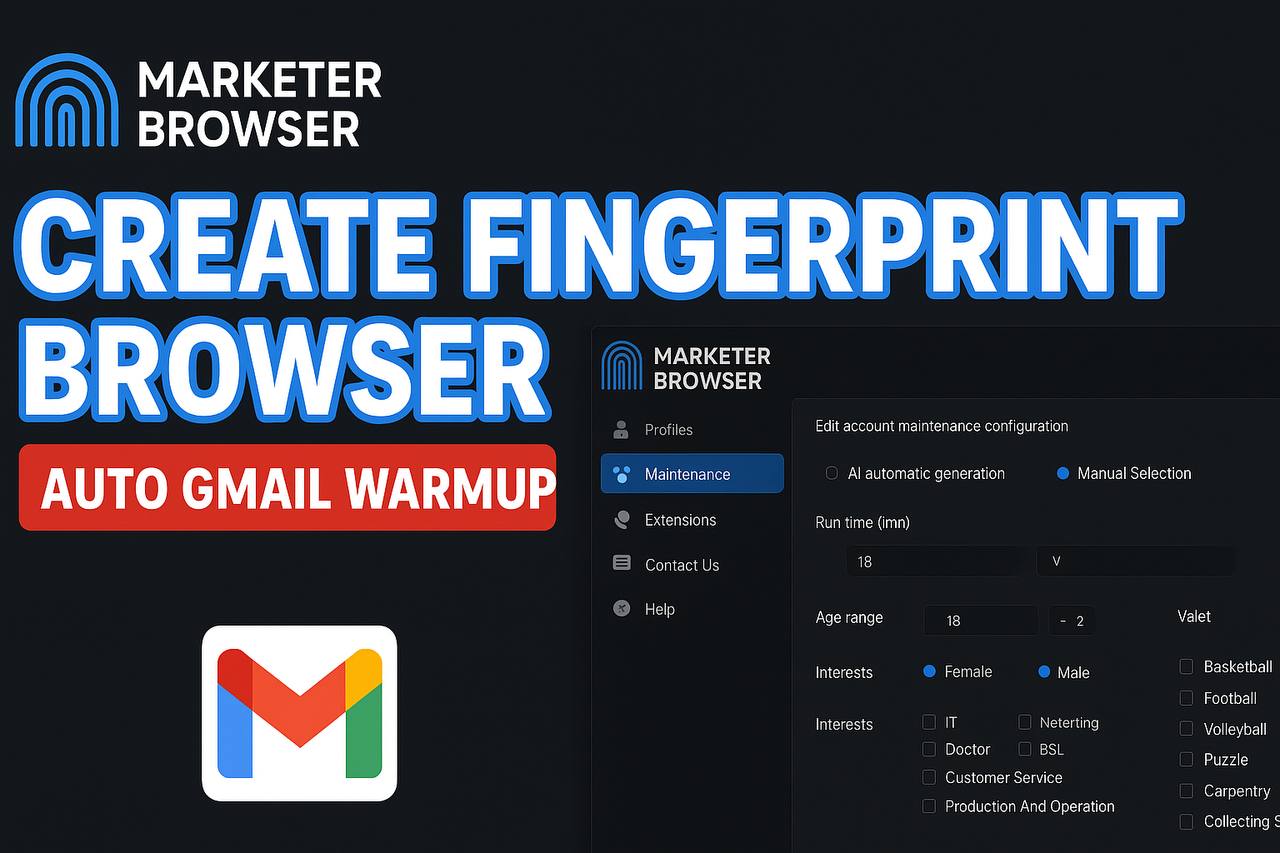
One of the standout features of MarketerBrowser is its ability to create customizable user profiles. This functionality allows affiliates to set up distinct profiles for each account, complete with unique browser fingerprints. By doing so, each account appears as if it is being managed from a different location and device, minimizing the risk of detection by affiliate networks. This level of customization is essential for affiliates who need to manage diverse campaigns without compromising on security or performance.
Leveraging MarketerBrowser for Affiliate Multi Accounting
Managing Multiple Accounts Efficiently
In the world of affiliate marketing, managing multiple accounts is not just a luxury but a necessity. MarketerBrowser provides a seamless platform for affiliate multi accounting, allowing marketers to handle numerous accounts without the fear of cross-account contamination. This capability is crucial for marketers who need to manage different campaigns simultaneously, each with its unique set of requirements and audience demographics.
With MarketerBrowser, you can easily switch between user profiles, each with its dedicated set of cookies, cache, and browsing history. This not only streamlines account management but also ensures that each account remains isolated, reducing the risk of account bans due to suspicious activities. The efficiency this brings to affiliate marketers cannot be overstated, as it significantly cuts down the time and effort needed to manage multiple accounts manually.
Streamlining Workflow Processes
Efficiency in workflow is the backbone of successful affiliate marketing strategies. MarketerBrowser offers tools that streamline and automate many of the tedious tasks associated with managing multiple accounts. For instance, its automated login feature allows marketers to access various platforms without the hassle of entering credentials repeatedly. This feature is particularly beneficial for those engaging in high-volume affiliate campaigns, where time is of the essence.
Moreover, MarketerBrowser's integration with productivity tools and extensions means marketers can consolidate their tasks in one place, leading to a more focused and organized approach to campaign management. By reducing the clutter and simplifying account management, MarketerBrowser enables affiliates to focus more on strategy and less on logistics.
Ensuring Compliance with Network Policies
Affiliate networks have stringent policies to prevent fraudulent activities, and maintaining compliance is paramount for long-term success. MarketerBrowser assists in this regard by providing a secure browsing environment that mimics natural user behavior. This reduces the risk of detection by affiliate networks, safeguarding your accounts from bans or suspensions.
The browser's ability to emulate different devices and locations ensures that affiliates can manage accounts from various geographical locations without raising red flags. This feature is essential for affiliates working with international campaigns, where IP restrictions and device fingerprints are common hurdles. By using MarketerBrowser, marketers can ensure their activities remain compliant and undetected, thus maintaining a good standing with affiliate networks.
Hyperlink Placement and Natural Mention of MarketerBrowser
Where to Add the Affiliate Link
Strategically placing affiliate links within your content is crucial for ensuring they are both effective and non-disruptive to the reader's experience. With MarketerBrowser, the goal is to integrate the link in a way that feels natural and helpful, rather than overtly promotional. Consider adding the affiliate link at points in the article where the reader is most likely to be convinced of the browser's value, such as after discussing its features or success stories. For instance, after detailing how MarketerBrowser streamlines workflow processes for affiliate multi accounting, you can seamlessly introduce the link like this: "Experience the seamless integration of MarketerBrowser in your affiliate marketing strategy by trying it out here: MarketerBrowser Affiliate Link."
Crafting Non-Promotional Mentions
Incorporating non-promotional mentions of MarketerBrowser can significantly enhance the article's credibility. These mentions should come across as genuine endorsements rather than sales pitches. Discussing personal experiences or hypothetical scenarios where MarketerBrowser solves common affiliate marketing challenges can be particularly effective. For example, you might describe a situation where managing multiple accounts was previously a headache, but using MarketerBrowser simplified the entire process. Such mentions help in building trust with your audience, as they see the tool being recommended based on merit and real-world utility.
Examples of Effective Mentions
Let's delve into some examples of how you can naturally mention MarketerBrowser in your content:
- Personal Storytelling: "Back in 2023, I struggled with maintaining the anonymity and security of multiple accounts. That's when I discovered MarketerBrowser, which transformed my approach to affiliate marketing by providing a secure and seamless environment to manage all my accounts."
- Problem-Solution Format: "One of the biggest hurdles in CPA marketing is ensuring compliance with network policies. MarketerBrowser addresses this issue with its advanced security features, isolating user profiles to prevent cross-account contamination."
- Industry Insights: "As the affiliate marketing landscape evolves, tools like MarketerBrowser are no longer optional but essential for success. Its ability to emulate different environments gives marketers the edge they need in today's competitive market."
- Call to Action: "If you're serious about optimizing your affiliate marketing strategy, consider integrating MarketerBrowser into your toolkit. It's designed with affiliates in mind, offering features that cater to the unique challenges of the industry."
These examples illustrate how mentioning MarketerBrowser can be both informative and persuasive without coming off as overly promotional. By focusing on the browser's benefits and applications, you naturally guide the reader toward considering it as a valuable tool in their affiliate marketing endeavors.
FAQ
What makes MarketerBrowser ideal for affiliate marketers?MarketerBrowser offers specialized tools that streamline tracking and analysis for affiliate campaigns, allowing you to optimize strategies with ease.
How does MarketerBrowser enhance affiliate marketing efficiency?
With its advanced automation features, MarketerBrowser reduces the time you spend on routine tasks, letting you focus more on crafting effective marketing strategies.
Is MarketerBrowser compatible with popular affiliate networks?
Yes, it integrates smoothly with major affiliate networks, ensuring you can easily manage and monitor different affiliate programs in one place.
Can MarketerBrowser help in tracking affiliate marketing performance?
Absolutely, it provides detailed analytics and reporting tools that help you track performance metrics crucial for affiliate marketing success.
Does MarketerBrowser offer tools to improve affiliate marketing ROI?
Yes, it includes features designed to optimize your marketing campaigns, potentially increasing your return on investment through better targeting and analysis.
How user-friendly is MarketerBrowser for new affiliate marketers?
MarketerBrowser is designed with an intuitive interface, making it accessible for beginners, while also offering advanced features for experienced marketers.
Can MarketerBrowser be used to manage multiple affiliate accounts?
Yes, it supports managing multiple accounts efficiently, allowing you to oversee various campaigns without the hassle of logging into different platforms.
What kind of customer support does MarketerBrowser offer for affiliate marketers?
MarketerBrowser provides dedicated support, including tutorials and live assistance, to ensure you can leverage all its features effectively for your affiliate marketing efforts.
In my day-to-day account management and promotion work, MarketerBrowser feels like a trusty "underlying assistant." It doesn't make decisions for you, but by providing a genuine browser environment, independent fingerprints, and clear account isolation mechanisms, it ensures every account can operate safely and stably. For me, the most immediate impression is: accounts no longer run into frequent issues, and operations feel more secure and controllable.
When managing a multitude of social accounts, the efficiency boost from MarketerBrowser is striking. Different accounts and platforms can run simultaneously in completely isolated environments, with virtually zero switching costs, eliminating the need for repeated logins or logouts or the worry of linkage risks. This environment design, which closely mimics real user behavior, makes daily operations more natural and lays a stable foundation for subsequent automation or manual operations.
More importantly, it has transformed my approach to long-term account management. With safer environment management and a clearer account structure, even small teams can establish systematic and sustainable social media strategies. It's not just about enhancing current execution efficiency but making the entire promotional plan more robust and valuable in the long run.
Over time, the greatest value MarketerBrowser brings is making multi-account operations "sustainable." Whether it's daily logins, content posting, or frequent switching between platforms, the entire process is more stable and smooth, without the constant worry of environmental anomalies or account linkage issues. This sense of stability magnifies its value over long-term use.
As platform risk control rules continue to evolve, the ongoing optimization of MarketerBrowser is crucial. By providing a real browser environment, clear account isolation, and consistent behavior settings, it helps maintain a natural operating state in complex platform ecosystems, effectively reducing the risk of anomalies and account suspension, and significantly increasing the success rate of multi-account operations.
For users who need to manage multiple accounts long-term, this stability and efficiency are not one-off advantages but daily accumulations. MarketerBrowser makes daily operations more reassuring and facilitates the scaling and standardization of the entire account system, providing a reliable foundation for subsequent promotion and growth. The exciting part is, you're about to see just how far you can go with this tool. Learn MarketerBrowser and take a step towards a more structured and sustainable future.